If your inbox stresses you out before you’ve even had your first sip of coffee… you’re not alone.
Most of us didn’t grow up with smartphones, cloud storage, or five email addresses. But somehow, we’re now responsible for keeping all of it under control. For midlife women juggling work, family, health, and maybe even caregiving, the digital chaos can feel like one more thing that’s just too much.
If you’ve ever wondered how to declutter your digital life without feeling overwhelmed, this 52-week plan will walk you through it one small step at a time.
Employees spend more than 1/5th (nearly 20%) of their time searching for the information they need to do their jobs. According to a 2024 report by McKinsey, this translates to roughly 1.8 hours per day wasted hunting for data across emails, chats, and shared drives.
A Clearer Digital Life, Just One Week at a Time
Feeling overwhelmed by digital clutter isn’t a character flaw. It’s a natural outcome of years of piling on tasks and tech. That’s why I created the ClearMind 52-Week Digital Declutter Plan. It's a one-step-at-a-time approach to finally getting your digital life under control.
What You Can Expect Each Week
Every week, I’ll publish a short post with one small focus area: like email, apps, files, or notifications. These aren’t deep dives or digital overhauls. Just simple, easy-to-follow steps to help you clear space and feel more in control of your digital life.
Most of the time, the action will take about 5 to 10 minutes. You can do it while waiting in line, sipping coffee, or winding down before bed. You don’t need to sign up or commit; just come as you are and do what you can.
A Realistic Way to Digitally Reset
I'm not here to guide you to making huge changes, like chasing Inbox Zero or having a color-coded calendar by next week. This weekly challenge is about making real progress in small, doable chunks at a time.
Think of it like changing your health habits. You didn't gain 30 pounds overnight, and you're not going to declutter 10 years of digital mess in one sitting either. But week by week, you'll start to feel more in control and maybe a little less foggy in the mind.
I’m not a digital organizing expert. I’m a midlife woman figuring this out as I go and sharing what works along the way. Hopefully my journey can encourage and help others find a little comfort in having a cleaner digital space.
Grab a Journal for the Weekly Reset Prompt
I'm a big fan of writing and journaling about everything. I'm not super consistent at it, but I love writing and then later revisiting to see how my life has changed or sometimes, unfortunately, how it has stayed the same.
For this reason, each week you'll find a prompt to go with the weekly challenge. After 52-weeks of working through digital messes together, we should see some improvement from week one. So, here's the first one:
✒️ Your Week 1 Digital Reset Journal Prompt
Where does your digital life feel the most cluttered right now? Pick one small thing you can clean up this week, even if it's just deleting a few screenshots from your camera roll.
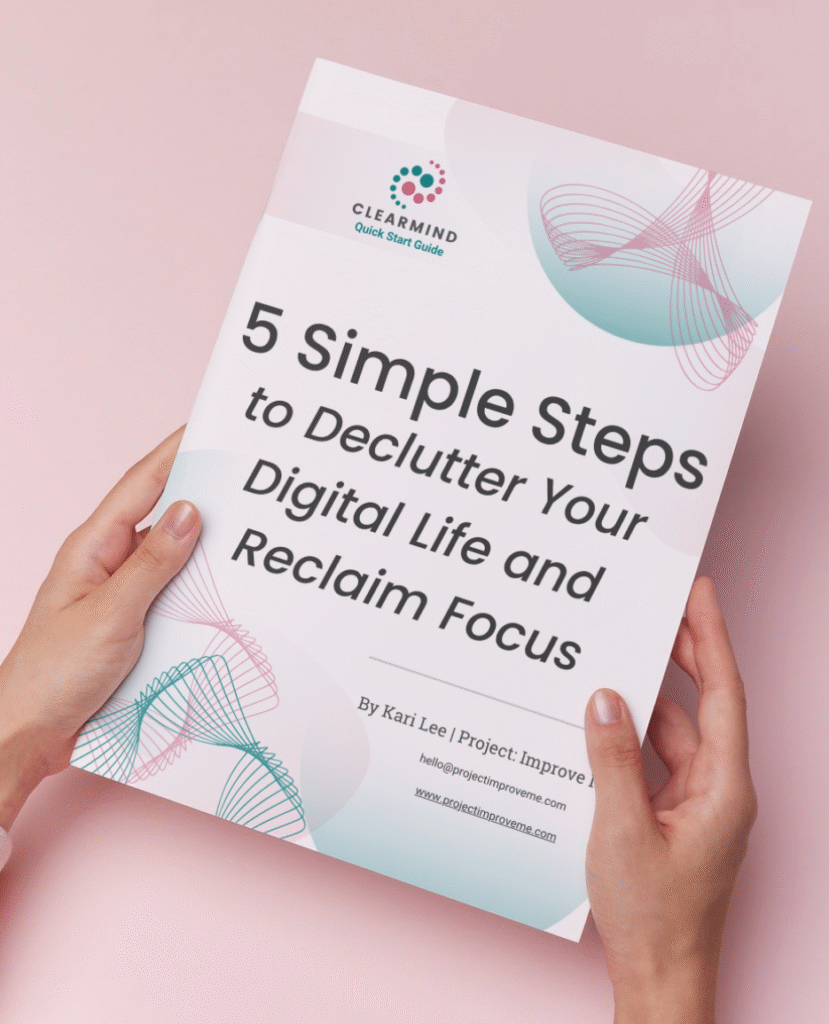
✨ Start with the ClearMind Quick Start Guide
If this post made you realize your digital life is a little out of control, don’t worry: it happens to all of us.
I created a short Quick Start Guide to help you take your first few steps right away. It walks you through five simple actions that can start clearing the mental clutter in less than 30 minutes.
You can download the guide and unlock the Freebie Vault by signing up below.
If you want a few extra small wins after that, the ClearMind Quick Wins Toolkit includes 12 short checklists that help tackle things like inbox overload, photo clutter, and scattered files.
Either way, just start somewhere.
One small fix today can make your whole digital life feel lighter.
You’ll also get occasional updates and access to my freebie vault. No spam, just helpful stuff.
🏅My Digital Win This Week (from Kari)
I finally cleared out my “check later” folder in 15 minutes. This is something I've been avoiding for months. That tiny action gave me so much mental relief and reminded me how much progress really starts with small steps.
Week 1 FAQs: Digital Declutter, Getting Started Edition
Nope. Each week stands on its own. So, skip around, come back later, or start wherever you are. There’s no “falling behind” here.
Nope. This blog series is free to follow. But, if you want a printable to help you begin, the Free ClearMind Quick Start Guide is a great first step.
Not at all. This challenge is designed for all levels, from low-tech to tech-wiz. You’ll only need basic digital skills (like opening emails or saving files). I'm a digital nerd, so if I do get into things that don't make sense to you, please reach out and I can answer questions or explain better.
You can! Each prompt is a springboard. If you have the energy to keep going, go for it. But no pressure. The magic is in consistency, not intensity.
Want a few extra small wins?
The ClearMind Quick Wins Toolkit includes 12 simple checklists you can finish in 5–20 minutes.
👉🏼 Check it out here.
CONTINUE THE CLEARMIND DIGITAL DECLUTTER CHALLENGE
Week 2: Camera Roll Clutter
Week 3: File Clutter
Week 4: Email Cleanup
Ready to keep going?
Explore ClearMind Digital Hub for more ways to organize files, email, apps, and digital clutter.
Save or Share This Post on Pinterest:

Hi! I’m Kari.
I started Project: Improve Me in 2025 to share simple ways midlife women can clear digital clutter, organize life’s details, and make space for what matters most. As a single grandma working in accounting, I know how overwhelming digital life can get. This project is where I share the small systems and habits that help me stay organized and calm.