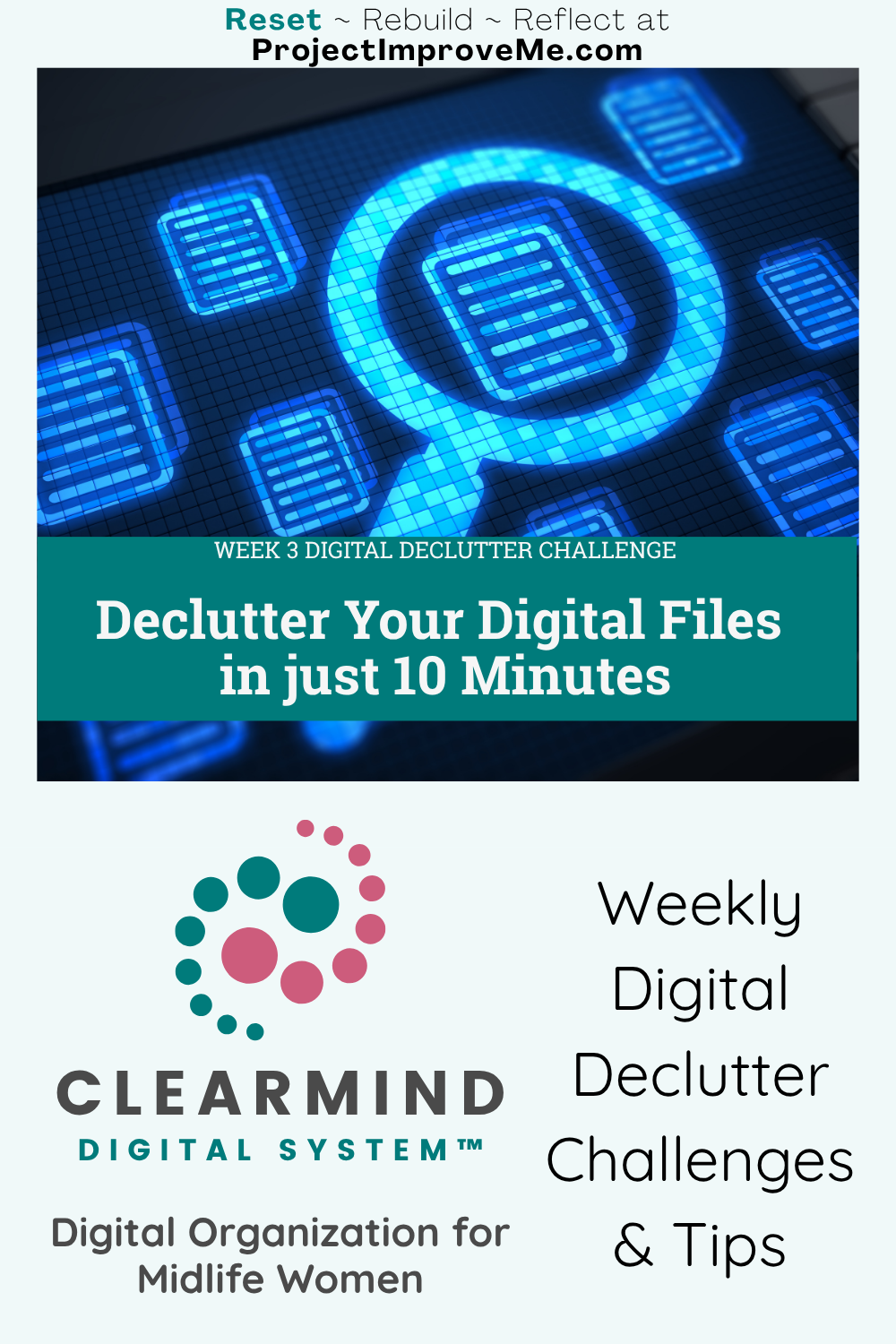
Between downloads you don’t remember saving, screenshots you thought you might need someday, and “just in case” files you never opened again… your digital life can quietly start to feel heavier than it needs to be.
But here’s the thing: you don’t need to organize everything. You just need a place to start clearing.
This week’s ClearMind challenge gives you a quick visual win, so you can feel lighter even if the mess isn’t fully sorted yet.
Today we’re focusing on one of the biggest hidden clutter zones: files, folders, and browser tabs.
Digital clutter doesn’t just slow you down — it can quietly increase stress and mental fatigue. When your brain has to dig through too many folders, tabs, or half-labeled files, it starts to feel scattered, even before your day really begins. Source: NIH (2024)
Why Clearing Your Digital Clutter Matters
Invisible clutter still takes up mental space.
Every time you scroll past a dozen files trying to find the one you actually need, your brain has to stop and decide what to ignore. That tiny pause adds up.
For many midlife women, our computers end up holding more than our own stuff. Work files, school forms, receipts, travel documents, family photos, and often even things we saved for someone else.
No wonder it starts to feel heavy.
This week we’re using two ClearMind Digital System steps to make things lighter without needing to build a perfect filing system.
🛑 STOP Notice the files you're keeping “just in case”
⏩ STREAMLINE Keep what helps, ditch what clutters
Your 3-Step Challenge: A 10-Minute Digital Detox You Can See
1. Let Go of “Just in Case” Files
Open your Downloads folder (or your Desktop if that's where things tend to pile up).
Sort by date or file type.
Delete anything that fits these categories:
🔸Duplicate design drafts (especially if you use Canva)
🔸PDFs with names like invoice_22.pdf or doc12345_final_finalv3
🔸Old order confirmations, sign-up flyers, or event docs
🔸Screenshots that were helpful once but no longer apply
💡Tip: If you saved it over a year ago and haven’t needed it since, you probably never will.
2. Make a Go-To Folder for Real Life
Create a folder called: Important Right Now
Drop 3–5 files into it, like things you know you’ll need again soon (travel docs, medical papers, school schedules, anything you’ve had to hunt for recently).
Don’t rename anything. Don’t organize everything. Just create one place that helps today-you.
3. Close 5 Browser Tabs You’ve Been Mentally Carrying
If you’re someone who keeps tabs open as a to-do list, it’s time for a mini reset.
Pick 3–5 tabs that have been sitting open for days and either:
🔸Bookmark them in a folder called “Hold for Later”
🔸Or close them completely (I know, it's scary😁)
Small habits like this make it much easier to declutter computer files before they pile up again.
✒️ Your Week 3 Digital Reset Journal Prompt
What’s one file you’ve scrolled past a dozen times but never opened?
Could this be the week you delete it without overthinking?
📲 Tools & Apps Worth Exploring for Your Digital Reset
Some people like using apps to make photo decluttering easier. If that sounds like you, here are a few simple tools worth exploring:
🔸Windows: Try a free tool called Everything. It searches all the files on your computer in seconds. Great for finding old documents you forgot where you saved.
🔸Mac: Use the built-in Spotlight Search (Command + Space) to quickly find files by name, type, or date.
🔸Canva Users: Rename your design project before downloading. It helps prevent a mess of “Untitled (1)” files piling up in your downloads folder. I've learned this the hard way!
💡 Just pick one that fits your setup. No need to overhaul everything today.
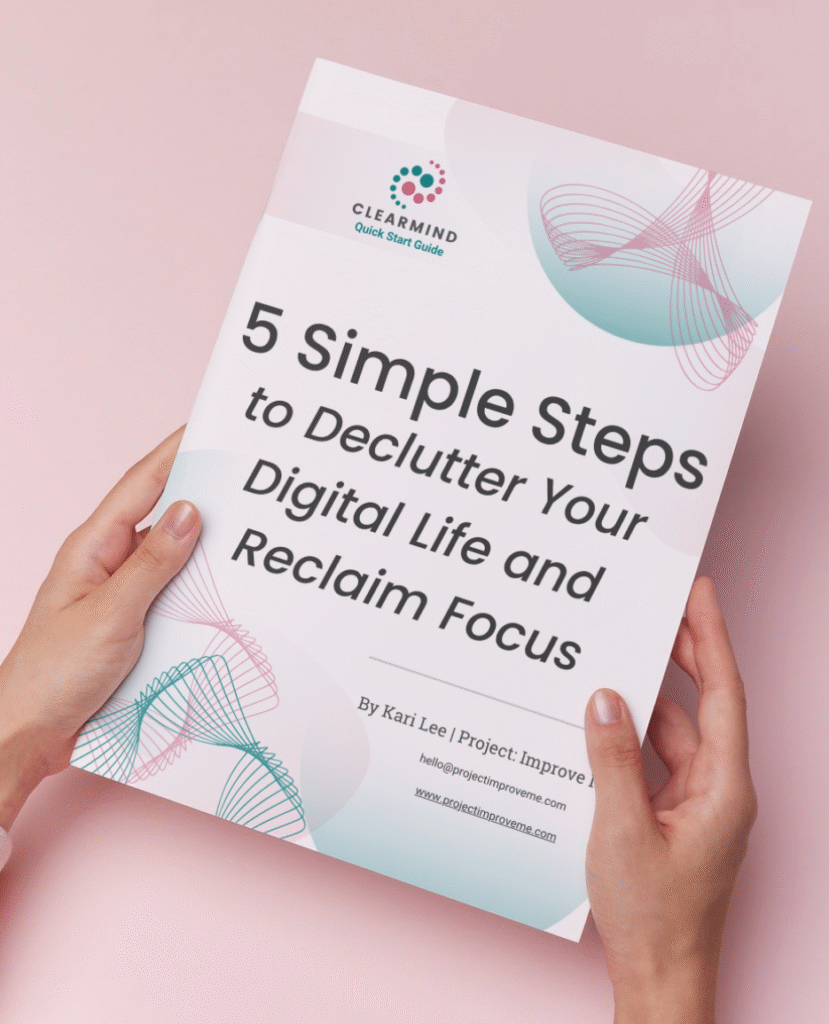
✨ Start with the ClearMind Quick Start Guide
If this post made you realize your digital life is a little out of control, don’t worry: it happens to all of us.
I created a short Quick Start Guide to help you take your first few steps right away. It walks you through five simple actions that can start clearing the mental clutter in less than 30 minutes.
You can download the guide and unlock the Freebie Vault by signing up below.
If you want a few extra small wins after that, the ClearMind Quick Wins Toolkit includes 12 short checklists that help tackle things like inbox overload, photo clutter, and scattered files.
However far you go with this challenge, I’m just glad you’re here.
You’ll also get occasional updates and access to my freebie vault. No spam, just helpful stuff.
🏅My Digital Win This Week (from Kari)
I create a lot of digital products, in both Canva and Adobe, and I’m constantly making little tweaks and saving new versions as I go.
Over time, I realized that all those “Work In Progress” files were piling up and making it harder to find the actual finished project. So here’s what I do now:
I keep two folders: one for files I’m still working on, and another for the finished product.
Once I finalize something, I move it to the Finished folder, give it a clean name, and then — this is the important part — I go back and delete all the earlier versions from the work folder.
This week, I cleared out over 10 versions of one project I had already complete. Honestly, it felt like I was reclaiming some creative brain space too.
Week 3 FAQs: Digital Declutter, Cleaning Up Your Files
Start with the Downloads folder. It’s low-risk and high clutter. No renaming. Just delete what’s clearly expired.
Try this rule: If it’s important, it’ll have a paper copy, email trail, or be re-downloadable. Let go of duplicates and expired versions.
That’s coming in a later challenge because it's a little more advanced. For now, just start with a simple “Important Right Now” folder.
You can! Each prompt is a springboard. If you have the energy to keep going, go for it. But no pressure. The magic is in consistency, not quantity in one day.
Want a few extra small wins?
The ClearMind Quick Wins Toolkit includes 12 simple checklists you can finish in 5–20 minutes.
👉🏼 Check it out here.
CONTINUE THE CLEARMIND DIGITAL DECLUTTER CHALLENGE
Previous: Week 2: Camera Roll Clutter
Next: Week 4: Email Cleanup
Or, start from the beginning here 👉 ClearMind Week 1: Digital Declutter Challenge Intro
Ready to keep going?
Explore ClearMind Digital Hub for more ways to organize files, email, apps, and digital clutter.
Save or Share This Post on Pinterest:

Hi! I’m Kari.
I started Project: Improve Me in 2025 to share simple ways midlife women can clear digital clutter, organize life’s details, and make space for what matters most. As a single grandma working in accounting, I know how overwhelming digital life can get. This project is where I share the small systems and habits that help me stay organized and calm.